
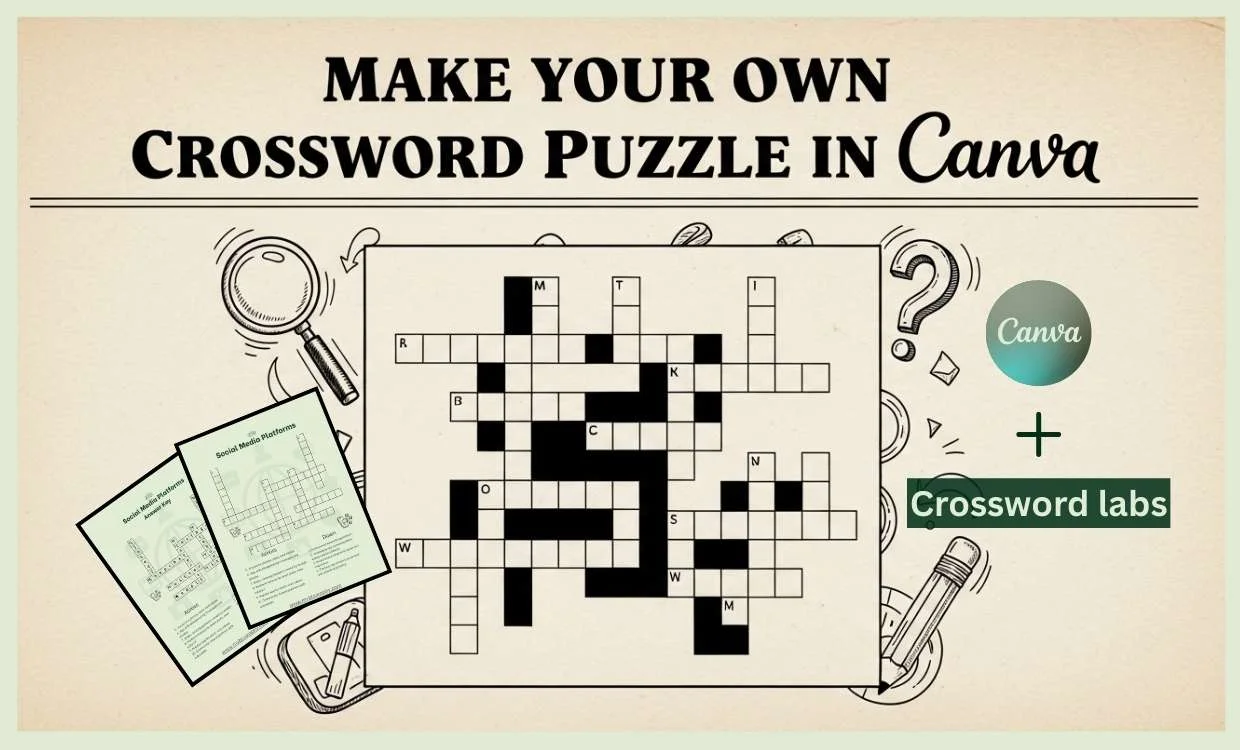
Crossword puzzles aren’t just fun; they sharpen your mind, boost your vocabulary, and make learning exciting.
And here’s the cool part: you can also create and sell them online.
Whether you’re a teacher, a parent, or someone looking to start a side hustle, this guide will show you how to make a crossword puzzle in Canva.
The best part? You don’t need to be a tech pro. It’s simple, creative, and even profitable.
Step 1: Choose a Theme
Before you start, decide on a theme. A theme makes your crossword more engaging and helps you pick the right words.
Popular ideas for crossword templates include:
- World Capitals
- Famous Authors
- Movies & Entertainment
- Food & Cuisine
- Sports & Games
- Technology & Innovation
Pro tip: You can use a free AI tool like ChatGPT to generate 15–20 words and clues for your theme. Well, I chose “Social media” as a theme. Let’s see the magic.
Step 2: Use a Free Crossword Puzzle Generator (Crossword Labs)
The easiest way to create your puzzle grid is with Crossword Labs, a free crossword puzzle generator.
Here’s how to make your puzzle:
- Go to crosswordlabs.com.
- Add a title (like Food & Cuisine Crossword).
- Paste your words and clues in this format:

- Paste this Prompt in Answer Bar
- Choose your desire style, below in preview sheet

- Click Save & Finish → the tool will generate your puzzle instantly.
- Export it as a PNG image so you can style it in Canva later.
- Don’t forget to Export Answer key as well.

This website gives you an editable crossword puzzle template in minutes.
Step 3: Make Your Own Puzzle in Canva
Once you have your puzzle grid, it’s time to give it style in Canva. Canva is perfect for turning a simple puzzle into an editable blank puzzle template.
How to Set Up Your Design in Canva
- Open Canva and create a new 8.5 × 11 in page.
- Upload your PNG puzzle.
- Add Across and Down clues in text boxes.
- Place your puzzle title at the top.
- Adjust fonts, sizes, and layout.
Step 4: Create a Free Printable Crossword Puzzle Template
Canva lets you turn your design into a beautiful crossword puzzle template that others can enjoy.
Here’s what to do:
- Add icons and elements that match your theme (music notes, books, food items).
- Choose easy-to-read fonts and high-contrast colors.
- Add your logo, website, or shop name at the bottom for branding.
- Save as a PDF for printables or PNG/JPG for sharing online.

You now have a fillable crossword puzzle template ready to use, print, or sell.
Step 5: Sell Your Crossword Puzzles Online
Here’s where the fun turns into profit. You can sell your puzzles as:
Puzzle Books on Amazon KDP
Combine 30–50 puzzles into one book.
Upload your manuscript and cover to Amazon Kindle Direct Publishing.
Sell to a global audience with no upfront cost.
Editable Crossword Templates on Etsy
- Create individual puzzles or small bundles.
- Save as PDF or editable Canva templates.
- List them in your Etsy shop for $2–$5 per puzzle.
Many people buy puzzles for parties, or personal fun, and they love editable crossword puzzle templates they can customize.
Final Tips for Success
- Always test your puzzles before selling.
- Provide solutions (printable answer keys are a plus).
- Use Canva to create beautiful, branded designs.
- Try seasonal or holiday themes to boost sales.
Conclusion
Now you know exactly how to make a crossword puzzle in Canva, from idea to design selling. Start with a free crossword puzzle generator like Crossword Labs, style it in Canva, and share it as a printable or editable template.
Whether you want to create free puzzles for fun or sell them as digital downloads on Etsy and Amazon, the opportunities are endless.
So, what theme will you choose for your first puzzle?
Grab Your Free Printable Crossword Puzzle Template
To help you get started even faster, I’ve created a free printable puzzle design template for you.
You can download it here:
This template is:
- Editable in Canva (so you can customize it with your own theme & clues)
- Printable in PDF format (ready for classrooms, events, or personal fun)
- Beginner-friendly, simply swap the clues and theme to make it yours
Whether you’re making puzzles for fun, teaching, or planning to sell them online, this free template will save your time and give you a head start.